PLING · FREE MAC MENU BAR APP
COUNT
ANYTHING.
A tiny tally counter for your Mac's menu bar. Press a hotkey. The digits flip, the coin plings, you get back to work. That's it. That's the app.

FREE · MACOS 14+ · APPLE SILICON & INTEL


▲ CLICK TRY IT OR PRESS P · YES, IT REALLY PLINGS
WHAT PEOPLE COUNT
- coffees survived
- emails sent
- pomodoros
- pages written
- gym sets
- cold calls
- bugs squashed
- glasses of water
- rejections collected
- deals closed
- chapters read
- anything, really
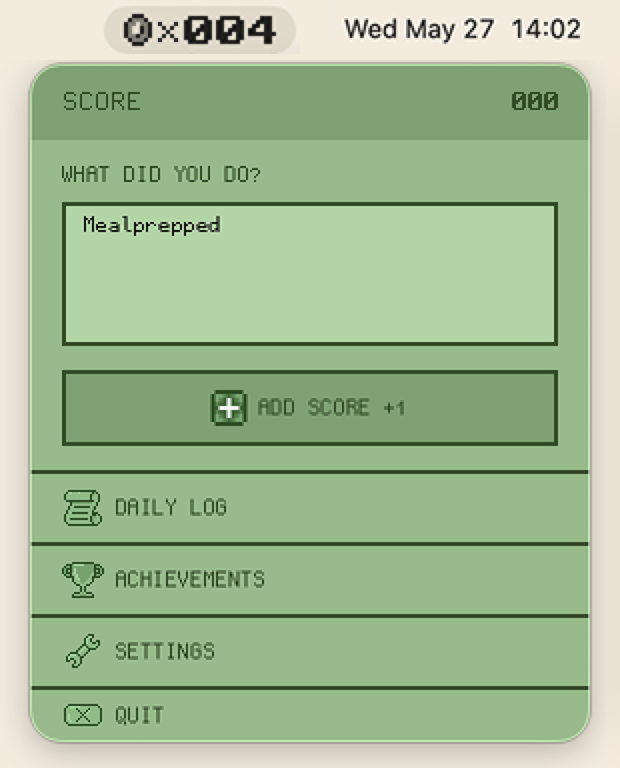
ONE CLICK. PLUS ONE.
Click the coin in your menu bar, jot a note if you feel like it, hit +1. The digits roll over and the coin chimes. No app to open, no form to fill.
▸ Daily Log, Achievements and Settings live one click deeper.
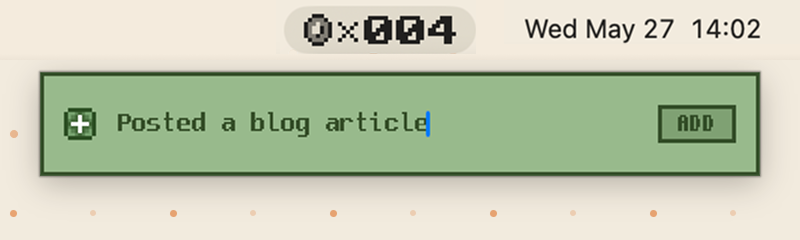
OR ONE HOTKEY.
Two global hotkeys. One adds a silent +1. The other opens Quick Entry, so you can leave yourself a note without leaving your work. Tap, type, gone.
▸ Both hotkeys are configurable. No scary permission prompts.
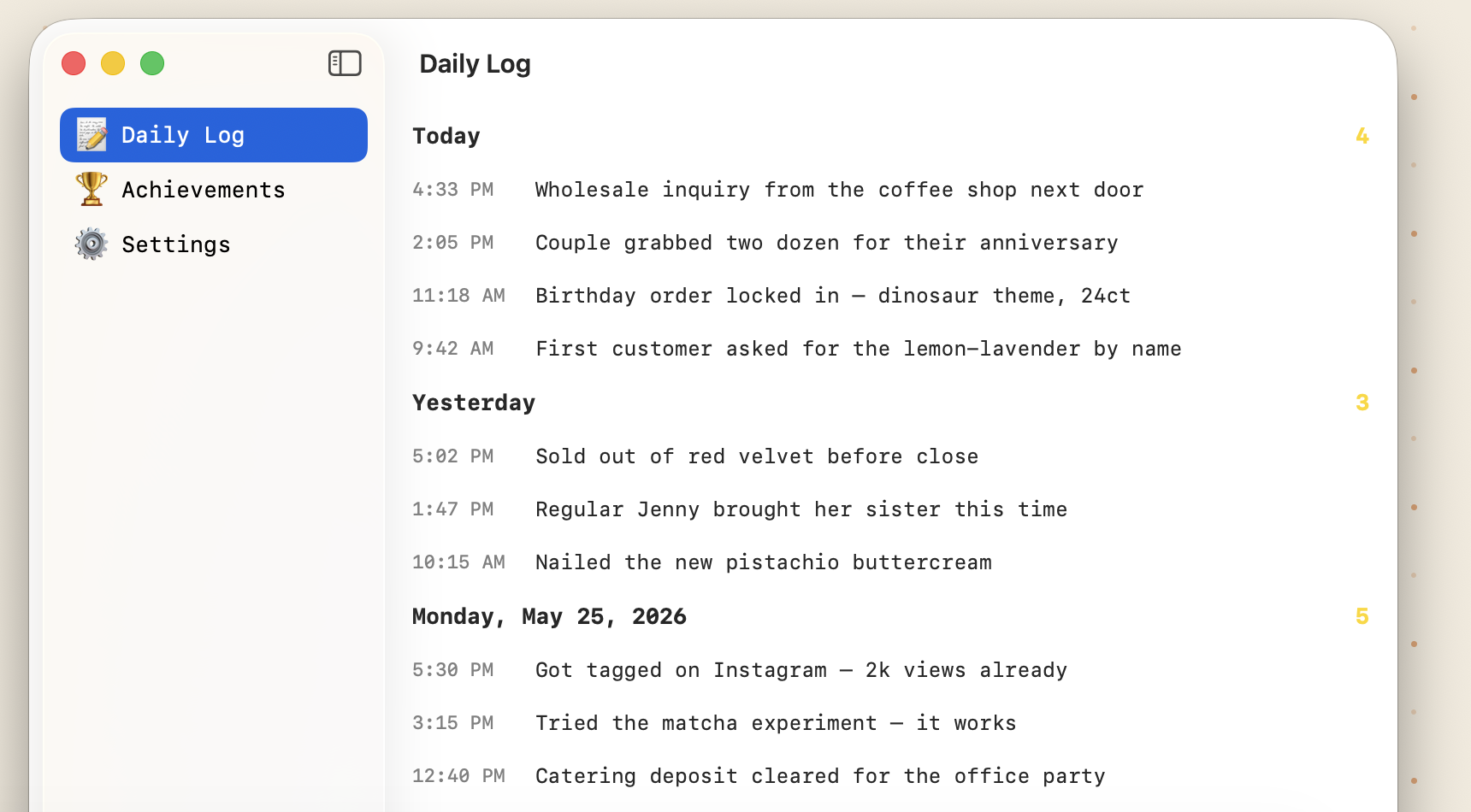
YOUR DAY, WITH RECEIPTS.
Every +1 lands in the Daily Log with a timestamp and your note. Scroll back and see what "a busy Tuesday" actually meant.
▸ Night owl? Set a custom day boundary so 1 AM work still counts toward today.
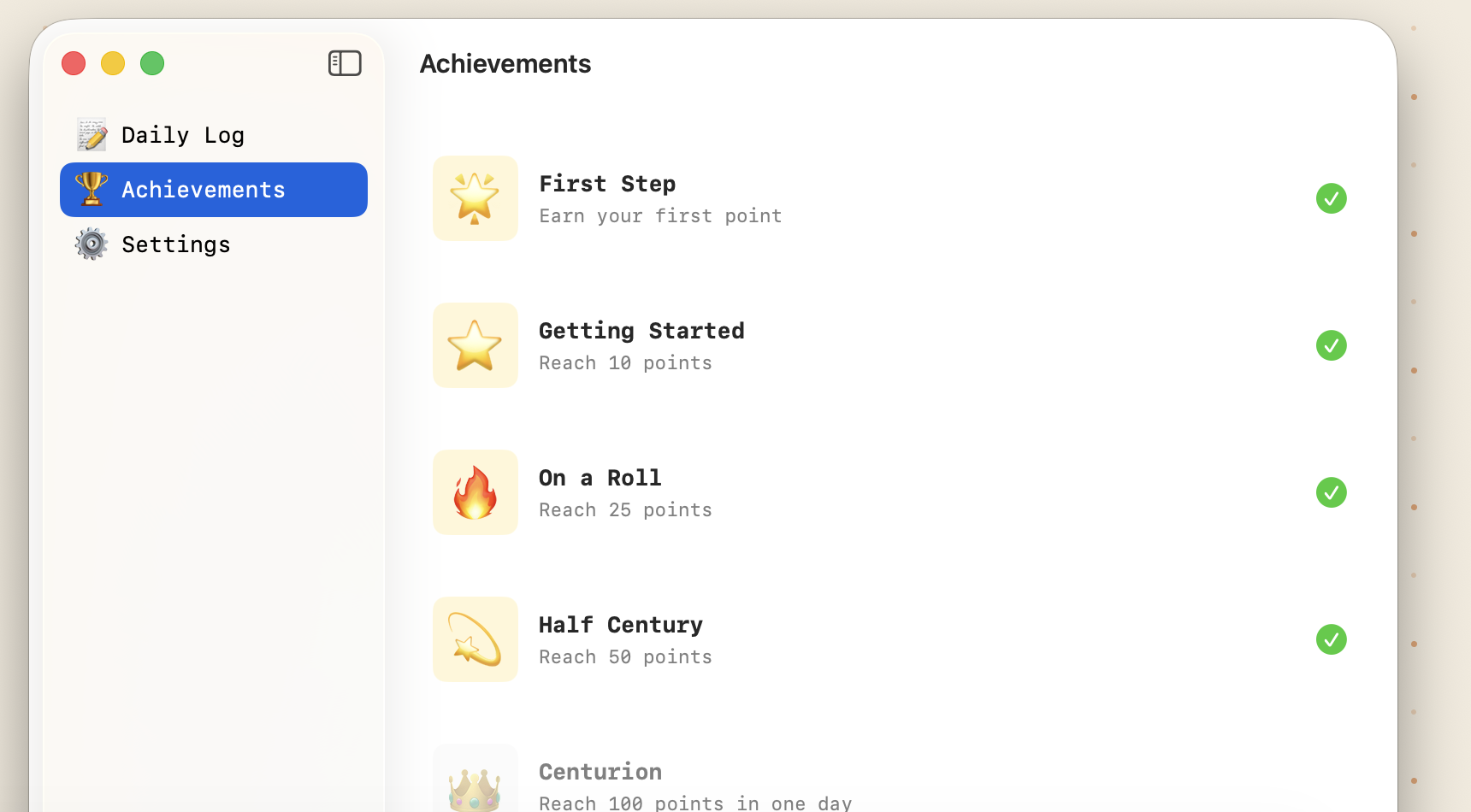
MILESTONES THAT PLING.
First Step. On a Roll. Half Century. Centurion. Small milestones, honestly earned. Plus the coin chime that gave the app its name.
▸ Too chirpy? Sound and animation each have an off switch.
THE ANTI-TRACKER.
Most habit trackers want to be the main event. Pling doesn't. It's a number in your menu bar: press a key, it goes up. Ignore it for a month and nothing happens.
- NO STREAKS TO PROTECT
- NO GUILT NOTIFICATIONS
- NO DASHBOARD TO WRANGLE
- NO ACCOUNT, NO SUBSCRIPTION
- JUST THE NUMBER, TICKING UP
PLAYER REVIEWS

"My whole career is jumping on things and collecting coins. This app really speaks to me."

"Tapped the hotkey 847 times in one minute. The little digits kept up. Respect."

"Every time someone calls me by the princess's name: +1. We're at 4,763."
REVIEWERS MAY BE FICTIONAL. THE COIN SOUND IS REAL.
Pling stores everything locally on your Mac. No accounts. No tracking. No analytics. The Privacy Policy is three paragraphs long because there's nothing to disclose.

IT SHIPS ON A CARTRIDGE.
The direct download arrives disguised as a retro game cartridge. Drag it to Applications and the real icon appears on first launch. We take the bit seriously. Want it to update itself? Pling is also on the Mac App Store.

MADE BY ONE PERSON
Hi, I'm Johnny Fekete. I built Pling because I wanted a counter that felt like a toy and shut up otherwise. It's free because it was fun to make. If it makes your day one coin-chime better, tell me what you're counting.